Any user can have a disastrous experience when their iMac sustains water damage. Since the iMac is a high-end computer that many people and businesses use, any damage could result in major disruptions and the loss of priceless data.
Usual iMac Water Damage Issue
- Cannot Power On
- No Power at all / No Signs of life
- Auto Shut Down
- Dim Display
- Beeping Sound
- Kernel Panic Error
Reasons for Water Damage to iMacs
An iMac may sustain water damage from a number of sources. The most frequent reason is unintentional spills, which can happen when drinks or other liquids are handled carelessly near the computer. Leaks in the walls or ceiling can potentially cause water damage by allowing water to drip onto the computer. In addition, major water damage to the iMac can result from hurricanes, flooding, and other natural calamities.
Signs of Water Damage to iMac
Depending on how severe the damage is, different iMac water damage symptoms may appear. At first, the computer might seem to be operating fine, but with time, you might notice the following symptoms:
- It's possible that the computer won't switch on.
- There could be dots, lines, or other distortions on the screen.
- The mouse and keyboard might not work.
- The computer can sound strange.
- The system can crash or freeze.
Remedies for Water Damaged iMacs
The first thing you should do if you think your iMac may have water damage is turn it off and unplug it from the power supply. Avoid attempting to utilize it or switch it on as this could lead to more damage.
The PC has to be dried out as much as possible next. You can carefully remove any apparent moisture from the computer's exterior using a soft, absorbent cloth. To avoid further damaging the internal components of the computer, avoid using a hairdryer or any other heat source to dry it out.
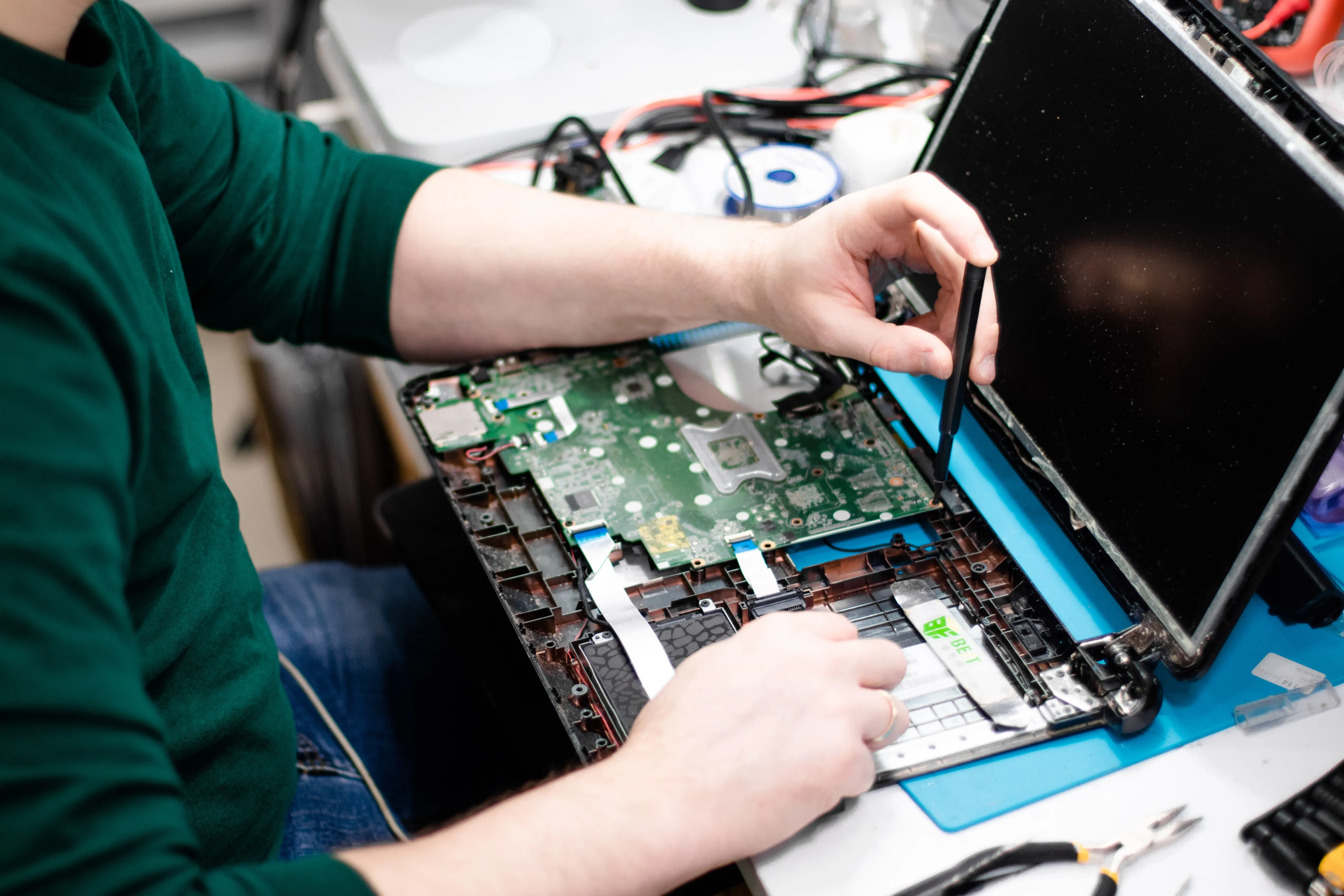
The computer should be taken to a reputable repair shop once the outside is dry. They are qualified to determine how much damage has been done and to make the necessary repairs. The extent of the damage may need the repair service to replace some or all of the computer's internal parts.
Avoiding iMac Fluid Damage
It's critical to protect your iMac against water damage. The following are some actions you can take to stop water damage:
1. Keep liquids, such as drinks, away from the computer.
2. Keep the computer away from doors, windows, and other places where water leaks.
3. Verify that the PC is not situated in a damp area.
4. If you are in a region that frequently floods or experiences hurricanes, you might want to think about upgrading the computer or getting a waterproof casing.
In summary
Fixing water damage to an iMac can be expensive and time-consuming. It's critical to act fast to stop additional damage if you believe your iMac has sustained water damage. You can reduce the possibility of water damage to your iMac and maintain its optimal performance for many years by taking the above-mentioned precautions.