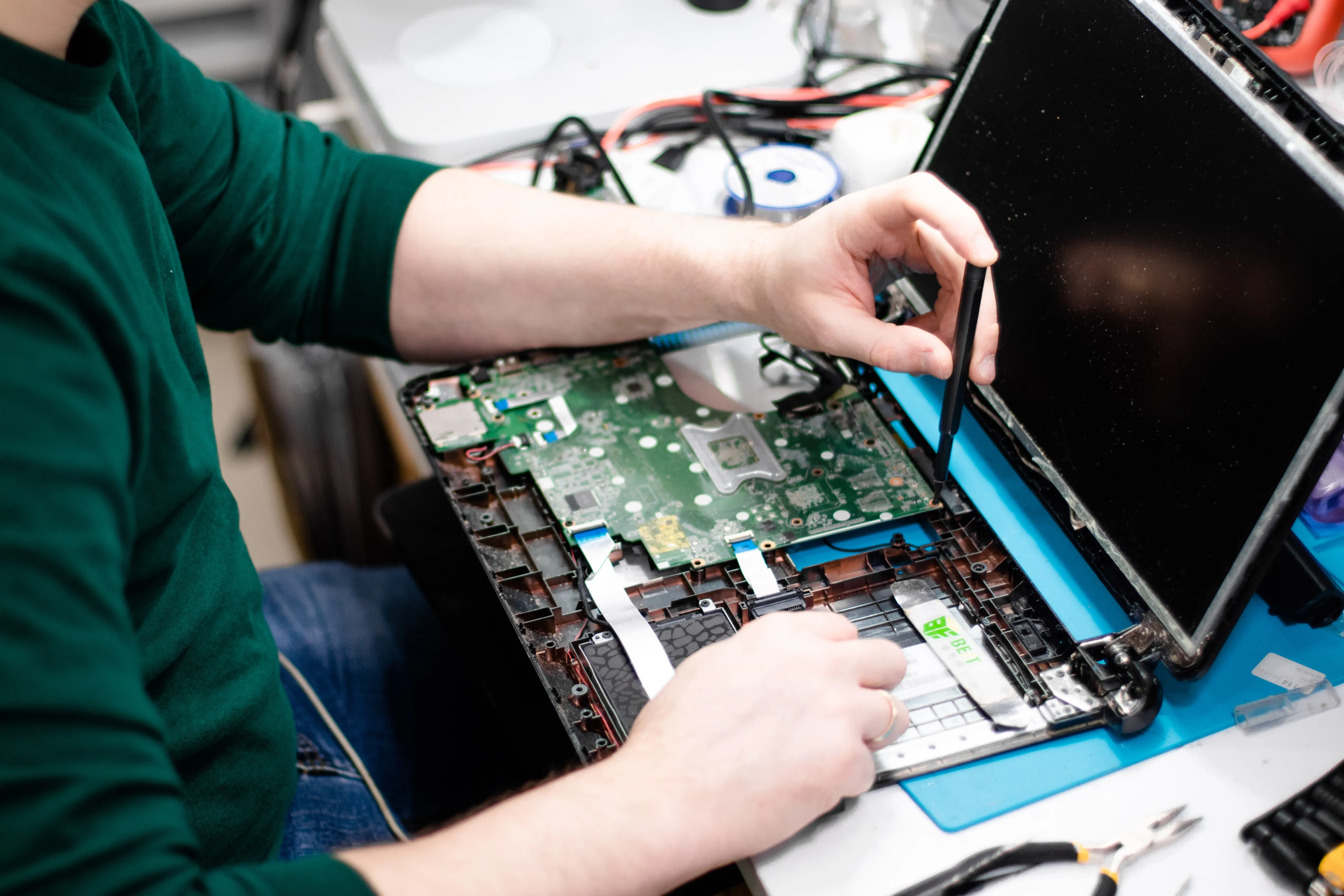

Even though the iMac is a strong and dependable machine, it occasionally overheats. A frequent problem for many iMac owners is overheating, which can harm the device's internal parts. We'll examine the causes of iMac overheating in more detail, along with some preventative measures.
Why Does the iMac Get Extremely Hot?
- Hardware Problem with Motherboard
- Processor/cooling fan malfunctioning or not operating correctly
- Bad heat sink
- Heating and Cooling Paste becomes brittle.
- Over the years, no maintenance was performed.
- Extensive use of 3D and video rendering
- Too many open apps or tabs in the browser
- Misbehaving background-running apps
Common causes of an overheating iMac
Dust and particle accumulation within the iMac is one of the most frequent causes of overheating. The iMac's cooling system may get clogged with dust and debris over time, which could limit airflow and lead to overheating. This may be particularly prevalent in homes with pets or in places where there is a lot of dust.
Tasks or apps using a lot of resources are another cause of an iMac overheating. Although the iMac's cooling system is intended to disperse heat produced by the computer's internal components, prolonged usage of demanding applications might strain the system and lead to overheating.
An overheating iMac may also be caused by a malfunctioning cooling system. The iMac may overheat if the cooling system's fans are malfunctioning or if the heat sink or thermal paste aren't functioning properly.
How can I stop my iMac from getting too hot?
It's critical to maintain the cleanliness and proper functioning of the iMac's cooling system to avoid overheating. Frequent cleaning of the interior parts of the iMac, including as the fans and heat sink, can help to keep dust and debris from collecting and guarantee that the cooling system operates effectively. For heavy users, it is advised to maintain your iMac once a year; for light users, it is advised to service it every two years.
It's crucial to often check the iMac's temperature as well, particularly when using resource-intensive apps. The internal components of the iMac can be monitored for temperature using a variety of software tools, such iStat Menus, which can also send out alarms when the temperature goes above safe limits.
It's critical to act right away if your iMac is overheating in order to shield the interior parts of the machine. Preventing additional harm can be achieved by shutting down the gadget and letting it cool down before using it once more. You might think about sending your iMac to a reliable repair facility for additional diagnosis and maintenance if the issue continues.
In summary, iMac overheating is a frequent problem that many customers encounter and can harm the device's internal parts. Overheating of the iMac can be avoided by routine cooling system maintenance and monitoring, as well as with prompt response when an issue arises to limit additional damage. Please do not hesitate to contact IRepair Center for assistance if your iMac is overheating.