Usual iMac Hardware Issues
- Cannot Power On
- No Power at all / No Signs of life
- Thick Vertical Lines on screen
- Auto Shut Down
- All USB C Port Not Working
- All USB Port Not Working
- No Sound from Speakers and EarPhones
- Dim Display
- Beeping Sound
- Kernel Panic Error
- CPU (Processor) Faulty
- Display Distortion ( Graphics Card ) Faulty
- Water Damage
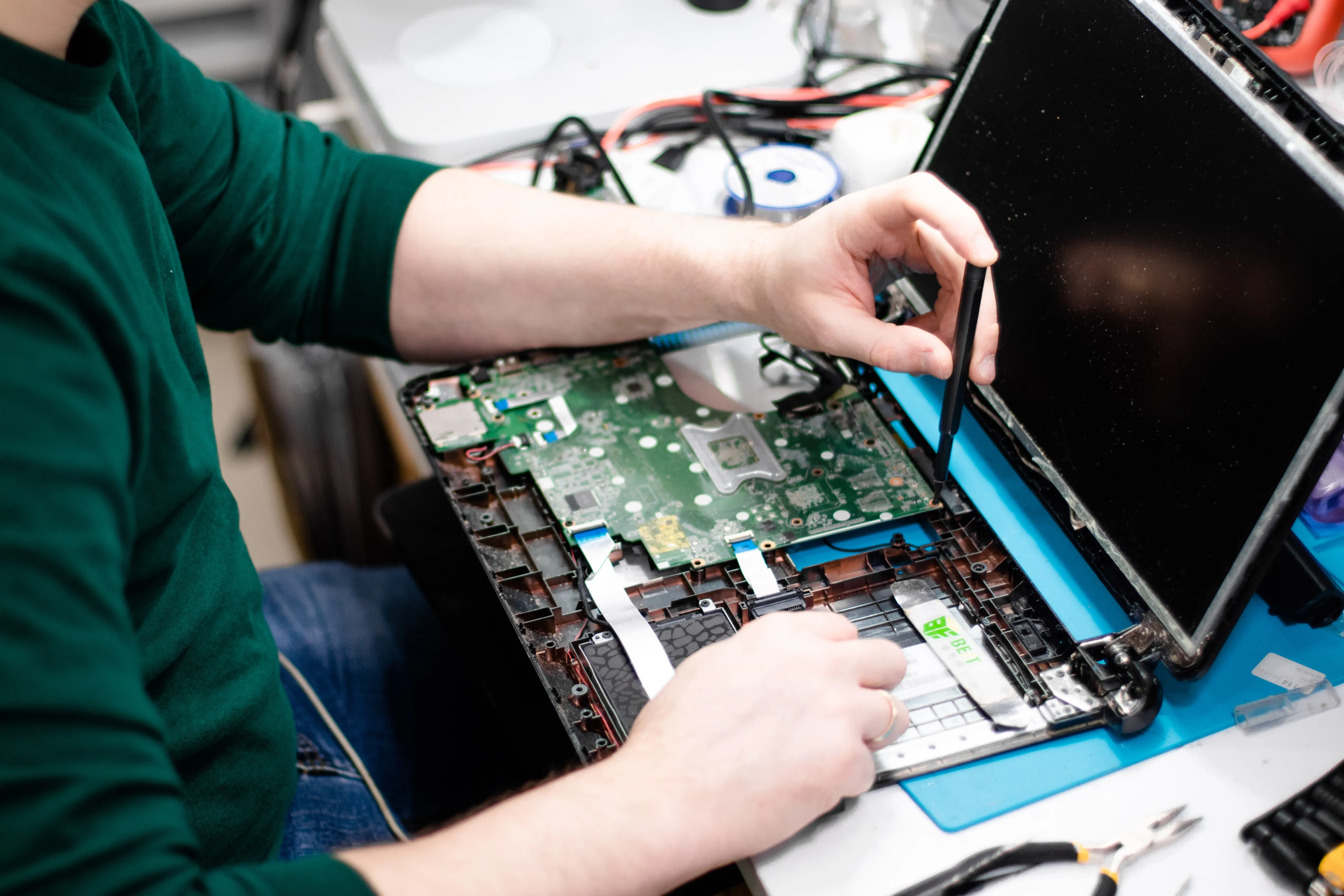
Can a User Diagnose a Motherboard Issue with an IMac?
It is not advised for a user to try troubleshooting a motherboard issue on their own as this usually calls for significant technical knowledge and specific instruments. Without the right information and equipment, attempting to repair a motherboard issue could worsen the issue and endanger the iMac.
Your iMac should ideally be taken to a qualified technician with experience and training in fixing Apple products if you think there may be a motherboard issue. They will possess the skills and equipment required to identify and resolve the problem correctly.
Where in Kathmandu Can I Get My Mac Motherboard Fixed?
An iMac's motherboard is an essential part since it connects and controls every other part of the system. Your iMac may freeze or crash, or it may stop working entirely if the motherboard is broken or not functioning properly. When this occurs, you need get expert assistance to fix the motherboard of your iMac. IRepair Center is one such service center that can assist you in this.