Cannot Power On

Why Won't iMac Turn On?
- MotherBoard Hardware Short Circuit
- Power Supply Faulty
- Power Cable (3 Pin Plug) Faulty
- iMac always on Sleep Mode
- iMac always Standby Mode which causes Machine to wear and tear faster
- Did Not Shut Down Regularly
- No Maintenance was done over the years
- Wear and Tear over the years (Old Age)
iMac Not Charging Issues: Troubleshoot
When an iMac won't turn on, there are a few possible reasons why. Several frequent aspects should be taken into account when troubleshooting the issue:
- Power Connection: Verify that the iMac is plugged in firmly to the wall socket and that it is correctly linked to a power source. To rule out potential problems with the power source, try plugging the iMac into a different power outlet or using a different power connection.
- Power Button: Verify the iMac's power button. The button could occasionally be stuck or not work properly. To check if it powers on, press and hold the power button for a little while. The power button might need to be replaced or repaired if it is inoperable.
- Power Supply: The iMac may not be able to turn on due to a malfunctioning or damaged power supply unit (PSU). An authorized repair provider may need to replace a PSU that isn't working properly.
- System Management Controller (SMC) Reset: The iMac's SMC is in charge of controlling power-related operations. Resolving power-related issues occasionally involves performing an SMC reset. To accomplish this, turn off the iMac, take out the power cord, wait for fifteen seconds, and then re-plug it. To turn on the iMac, wait five more seconds and then push the power button.
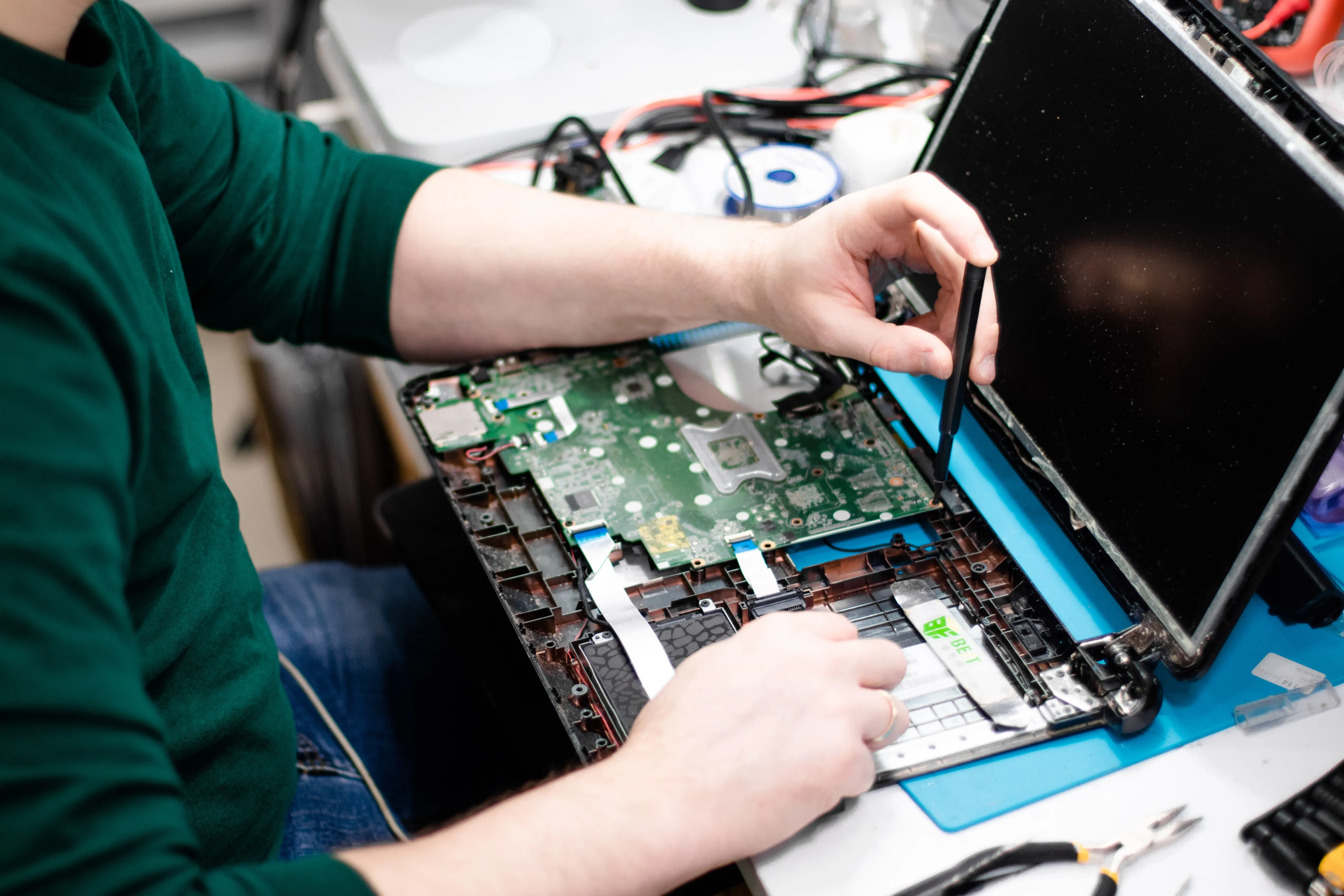
- Hardware Problems: The inability of the iMac to turn on may be caused by malfunctioning memory modules, a broken power supply, or a defective logic board. In certain situations, getting expert help from an approved service facility or the Apple Store is advised in order to identify and fix the particular hardware issue.
- Software difficulties: Software difficulties are a rare source of power-related complications. Press and hold the Shift key at startup to try starting the iMac in Safe Mode if you have made changes to the system or installed new software. Software conflicts can be found and fixed by allowing the system to boot into Safe Mode with the least amount of drivers and software installed.
It is advised to get in touch with Apple Support or visit the IRepair Center for additional help if none of the aforementioned troubleshooting techniques work to fix the problem. Their proficiency and resources enable them to identify and fix intricate hardware or software problems, guaranteeing that your iMac turns on and operates as intended.