Auto Shut Down
Why Does the iMac Turn Off by Itself?
Workflow disruption and frustration might result from your iMac shutting down on its own. Your iMac may be shutting down automatically for a number of reasons, including:
- Overheating: In iMacs, overheating is frequently the cause of automatic shutdowns. The system may shut down to save component damage when the internal temperature hits a critical point. Verify that the fans are operating correctly and that there is no dust or material obstructing the ventilation ports. If the internal temperatures of your iMac are constantly excessive, think about utilizing software to keep an eye on them and take the necessary action.
- Power supply problems: Your iMac may abruptly stop down if there are issues with the power supply. Make sure the connections and power cable are tight by checking them. To rule out any problems with the power source, consider using a new power outlet or power cord, if at all possible.
- Software or operating system problems: Automatic shutdowns may be brought on by problematic software or operating system problems. Verify that the most recent version of macOS is installed on your iMac and that all of the drivers and software are current. For the purpose of removing program conflicts and eliminating unneeded startup components, think about doing a clean boot.
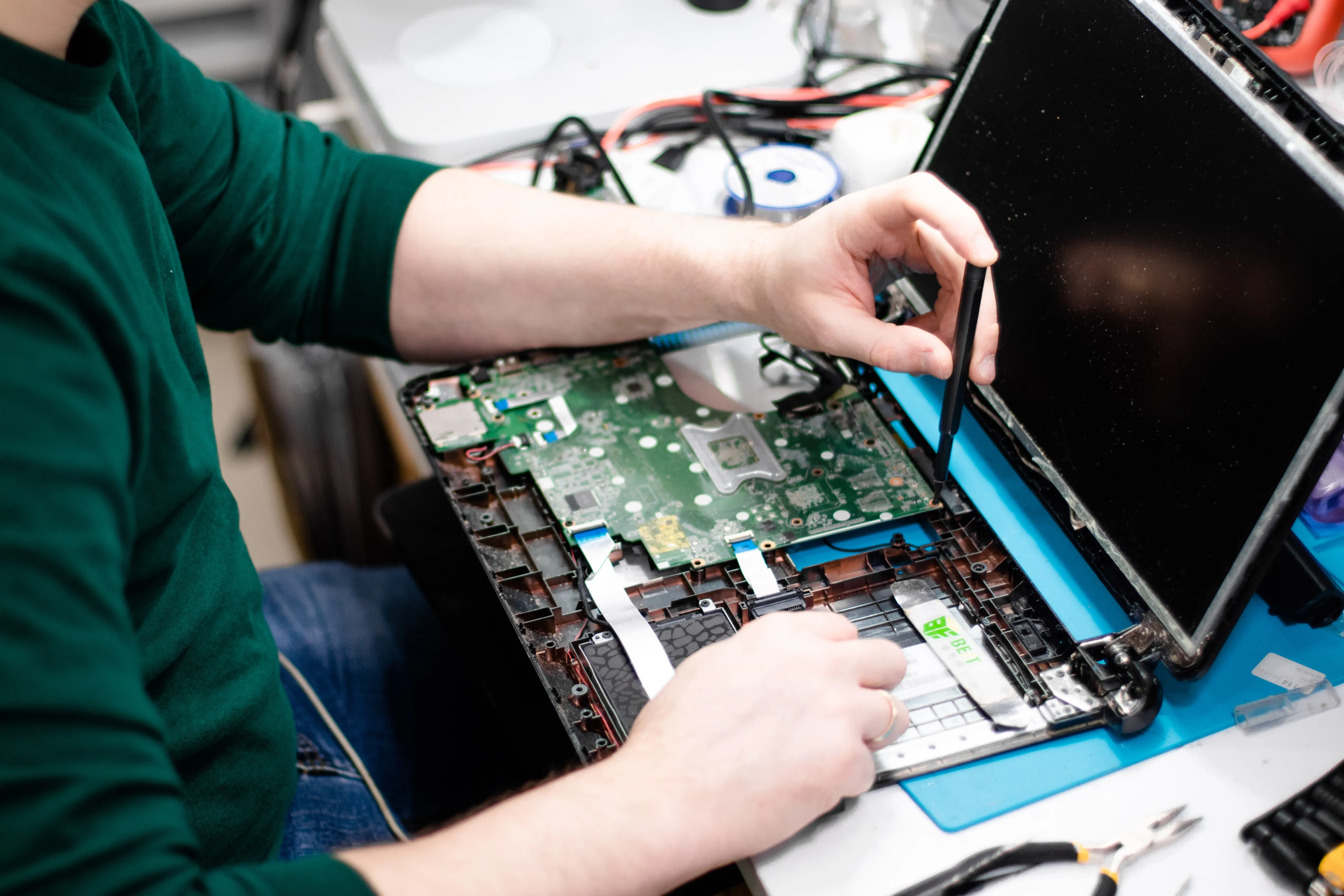
- Hardware Problems: Your iMac may abruptly shut down due to hardware issues including a malfunctioning hard drive, a faulty power button, or faulty memory modules. Use the hardware diagnostics that Apple has given to look for hardware-related problems. Think about testing or replacing a particular component, such the RAM or hard disk, if you have any suspicions about it.
- Overloaded system resources: Your iMac may shut down automatically if it is running too many resource-intensive applications at once or runs out of RAM. Use the Activity Monitor tool to keep an eye on system activity and spot any processes or apps eating up too much resources. If the memory on your iMac is getting low, think about updating the RAM or shutting down any unused programs.
- Power fluctuations or electrical problems: Your iMac may stop down due to power supply variations or localized electrical problems. To safeguard your iMac against power surges and guarantee a steady power supply, think about utilizing a surge protector or an uninterruptible power supply (UPS).
IRepair Center
Should you have attempted to troubleshoot the aforementioned possible causes and the automated shutdowns continue, you should get in touch with Apple Support or visit the IRepair Center for additional support. They can assist in identifying and resolving any underlying iMac software or hardware problems.